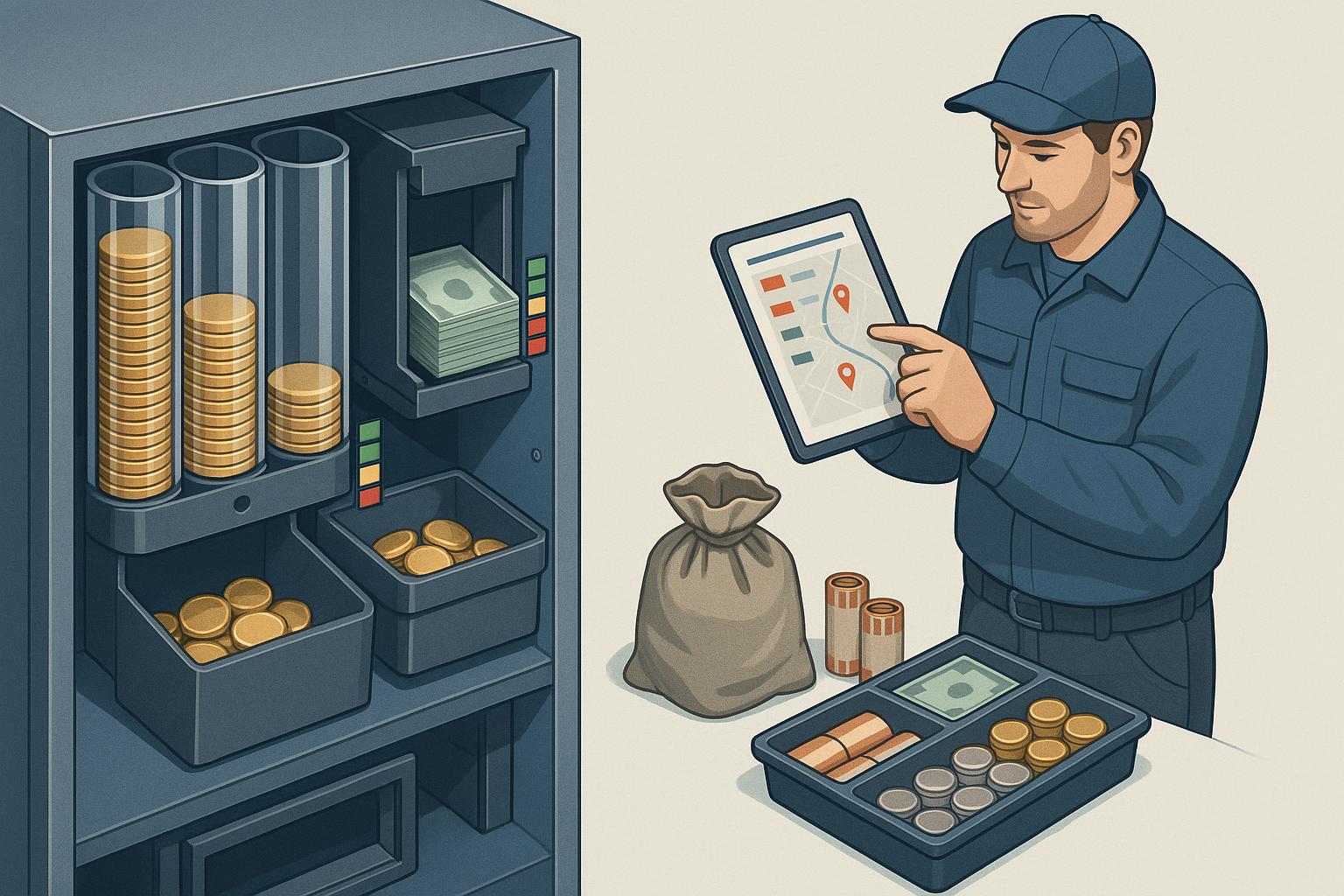
Plan vending cash collection from what each machine holds
Cash still pays for many vending sales, and a driver must collect it. Many operators collect cash on a fixed day. The driver opens every cash box on the route each Monday, full or not. Some boxes hold a few coins. At a busy site, the bill stacker became full on Friday, and the machine refused bills for three days. The bill stacker is the locked box that holds the bills that the machine accepts.
The machine counts its own cash. DEX (Data Exchange) is the standard sales and audit report that every vending machine produces. Each DEX read now tells VendGogh how much cash the machine holds, and where it holds it.
Illustration · one bill stacker, one week
Fixed cash day: every Monday
Cash stop from the read - - - your stop amount
bills in the stacker stacker full, the machine refuses bills
This data goes next to the sales totals in your vending sales reports. Use it to plan each vending cash collection from the cash that each machine holds.
What the read counts
A DEX read is one copy of the report, sent from the machine. We explain the rest of the file in DEX vending data.
The cash part of the read gives these values:
- Cash box. The box that catches coins after the coin tubes are full.
- Coin tubes. The tubes in the coin mechanism that hold coins for change. The read counts the coins that went into the tubes since the last read.
- Bills. The bills that the bill validator accepted into the stacker. The bill validator is the part that checks and accepts paper bills.
- Change level. The value of the coins in the tubes now. The machine pays change from these coins.
VendGogh now keeps each of these values from every read. Before, VendGogh kept a single cash total. The location of the money decides the next visit.
A cash stop has two jobs
A driver at a cash stop does two different jobs:
- Empty the cash box and the bill stacker before they become full.
- Fill the coin tubes before they become empty.
A full stacker stops the bill validator. A customer who has only a bill cannot buy. A low change level has a similar result. Many machines show an “exact change” message, and customers with bills walk away.
A fixed day combines the two jobs. The read shows each job for each machine. One machine can need coins and have an almost empty box. Another machine can have a full stacker and full tubes.
Test vends and free vends take no money
A technician does a test vend after a repair, and the product comes out with no payment. A free vend gives a product with no payment, for example on a promotion.
The DEX read reports test vends and free vends on their own counters, apart from paid vends. VendGogh now keeps these counters too.
This matters at the count. If test vends and free vends look like sales, the expected cash is too high. The box then looks short, and a person must explain a shortfall that does not exist. With separate counters, you compare the cash in the box with the vends that took money.
Plan the vending cash collection from the read
The Cash Collections screen in VendGogh lists every machine that holds uncollected cash, with the amount. Use this list to plan the run:
- Open the Cash Collections screen before you plan the route.
- Set a stop amount: the uncollected cash that is worth the time and distance of a stop.
- Add each machine above your stop amount to the run.
- Add each busy machine that took many bills since the last collection.
- Check the change level on each machine on the run.
- Load coins for the machines with a low change level.
To set the stop amount, look at your last few cash runs. Find the smallest amount that made a stop worth the drive. Start with that amount, and change it when your routes change.
Some machines take almost no cash. The cashless share shows this: the percent of sales by card or phone. A machine with a cashless share of 100 percent does not need a cash stop. Remove it from the cash run, and visit it only for a restock.
What changes for the driver
A fixed cash day sends the driver to every machine. A cash run from the read sends the driver to the machines that hold cash or need coins. The driver carries the correct coins, because the change level shows the need before the truck leaves. The count is easier to trust, because test vends no longer look like cash.
Do this today
- Find the stops on your last cash run where the amount did not justify the visit.
- Set a stop amount for each route.
- Remove each machine with a cashless share of 100 percent from the cash run.
- Check the change level on your five busiest machines.
- Ask your drivers which machines refuse bills most often.
- Check the test vend counter after the next repair visit.
How VendGogh handles the cash run
- Where you see it. The Cash Collections screen is under Restocking in VendGogh. It lists each machine with uncollected cash, and the amount.
- Where the numbers come from. The cash data comes from the same DEX reads that VendGogh already receives from each machine. The driver does not enter these numbers.
- A cash stop at a restock. The Cash Out button on the Service Machines screen records the cash at the same visit. Use the Cash Collections screen for machines that need cash but no product.
- Card sales. The sales reports show cash and card sales for each machine, so a machine with no cash sales is easy to find.
See how VendGogh shows cash and card sales for every machine on our vending sales reports feature page.