September 22, 2026 · 4 min read
Vending machine alerts nobody had to configure
Vending machine alert thresholds go stale. VendGogh now raises an alert when a machine changes status, so there is no number for you to keep correct.
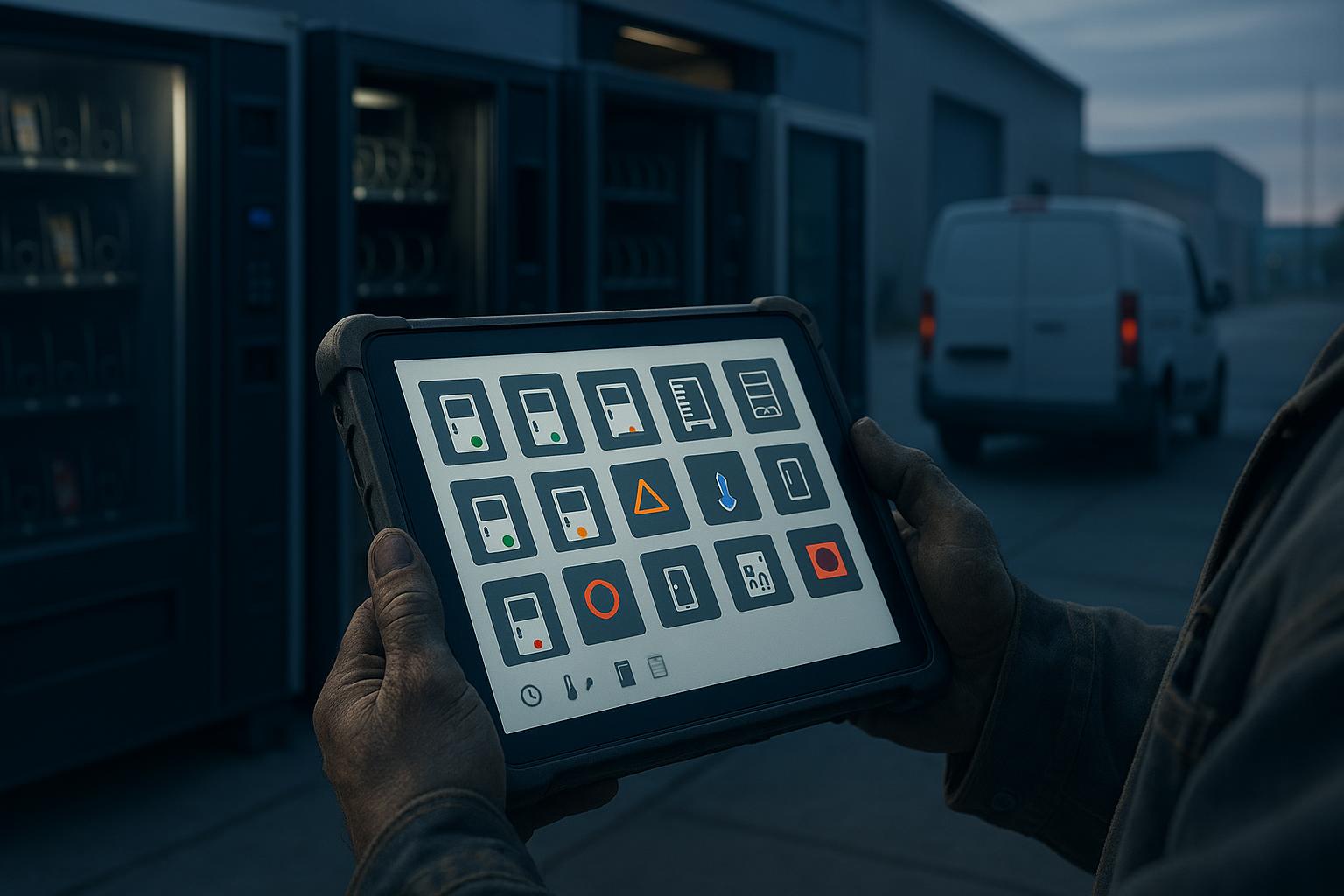
Vending machine alerts nobody had to configure
You set up an alert in your vending software one time. You put a number in a box: tell me when this machine sells less than twenty dollars in a day. The number was correct for that machine on that day.
Two years later, the machine is at a quieter location. The alert now speaks every morning, and you stop looking at it. The machine that truly failed last week is in the same list, under forty alerts that mean nothing.
Why vending machine alert thresholds go stale
A threshold is a number that you own. You must keep it correct for every machine, for as long as you keep the machine. Almost nobody does this. Most operators run on a default that somebody else chose for a different fleet.
On 19 August 2026, we shipped a rebuild of alerts in VendGogh. The rebuild removes the box that holds the number.
Every machine already has a status
VendGogh gives every machine a status from the data that arrives from it. Most of that data comes from DEX, the standard sales and audit report that every vending machine produces. We explain what a DEX read contains in What your DEX file already knows about your machine.
The status is one of four plain words:
- Reporting.
- Not reporting.
- Awaiting first restock.
- Not measurable.
The fleet view shows the status of every machine. The machine page shows the evidence under the status.
Alerts now come from that same status. The machine changes status, and the change of status is the event. There is no second set of rules, and there is no number for you to maintain.
This has one more effect. An alert and the fleet view cannot disagree, because both come from one status. A machine cannot look healthy on one screen and show as an open alert on another screen.
What a status alert looks like
Four alert types come from the status today:
- Not reporting. The machine misses three expected DEX reads, or the payment provider reports the card reader offline.
- Inventory depletion. A coil is empty, or the sales trend shows that the coil will be empty before your next visit.
- Cashless flat. The card reader is online, but the machine records no cashless sale in 48 hours.
- Firmware drift. The machine runs a different build from the other machines of its model.
Each type starts from a fact about the machine. A card reader is online or offline. A coil is empty or it is not. We explain the not reporting alert in detail in The silent machine.
The numbers still exist, but you do not keep them
The rules above still contain numbers: three missed reads, 48 hours, your next visit. The difference is the owner of the numbers. VendGogh sets them, and each rule reads the data of that one machine.
The not reporting rule uses the reporting interval of the machine. The depletion rule uses the sales trend of the coil and your route schedule. You do not type a number for each machine. You do not update a number when a machine moves to a new location.
Every alert stays on the record
The rebuild keeps every alert that fires, and it keeps what happened next. You can see which alerts cleared before a person touched the machine. An alert that clears on its own is a useful fact: the alert was early, or the alert was noise.
You have two actions on an open alert:
- Resolve the alert when you fix the machine.
- Set the alert aside when you accept the condition.
A machine at a closed location does not need to appear on the list every morning. Set its alert aside. You do not need to switch off a whole alert type to silence one machine.
The alert detail opens onto the machine
An alert is only useful when it answers the next question: do I drive out today?
The alert detail opens onto the machine page. You see the last read time, the power and door events, every temperature sensor with its trend, and the sales per coil. You decide from the same evidence that produced the status.
The same alert in every language
VendGogh builds each alert from the machine data and a translated template. The template holds the words. The data fills in the machine name, the route, the age of the alert, and the dollars at stake.
A driver who works in German gets the same facts as an owner who works in English. VendGogh supports right-to-left layouts for the languages that need them. No alert depends on free text that one person typed in one language.
Do this today
- List every alert threshold that you keep in your current software.
- Write the date of the last change next to each number.
- Mark each number that nobody changed since setup.
- Count the alerts that you received yesterday.
- Count the alerts from yesterday that caused a service visit.
- Find one alert type that you switched off. Write down why.
- Ask your drivers which alerts they trust and which alerts they ignore.
- Pick your five highest-revenue machines. Make sure that no alert on these machines depends on a number that a person typed.
A threshold is a guess about a machine. A status is a statement from the machine, and you do not have to maintain it.
See how VendGogh ranks alerts by impact on our alerts feature page.
machine alertsalert thresholdsfleet observabilityvending operations